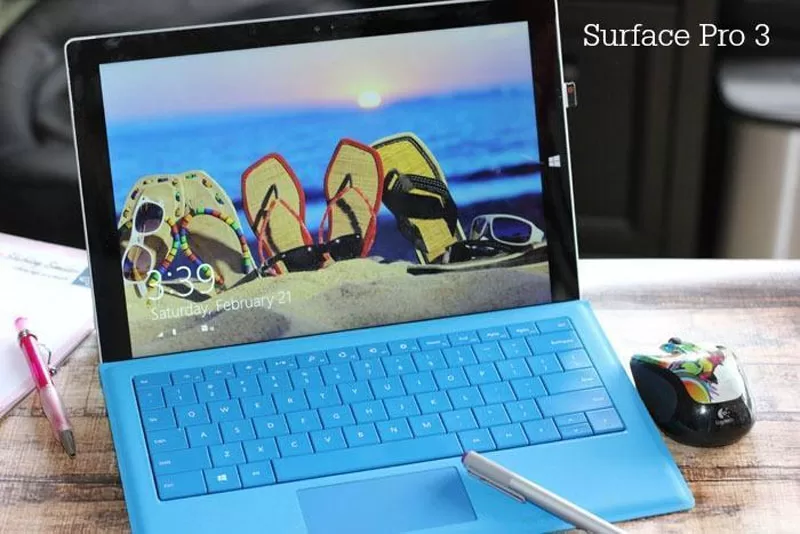
As a Microsoft Blogger, I get the opportunity to review amazing products and bring news from the technology world right to your computers. One of the items we recently had the pleasure of reviewing is the Surface Pro 3. It is both a laptop and a tablet.
I have a main computer I do most of my work on at my office desk. I also own a laptop that I use mainly when we travel or the main computer is being utilized. Many times I find myself still looking for an available computer because my family is very much all about “the technology”. The great thing is this forced me to really get to know my Surface Pro 3. In fact, we have been great friends, a friend I often find hard to share with others.
The first thing I did with my Surface Pro 3 is what I love to do with all gadgets and I customized it to scream ME! As you can see in the above photo my screen saver is all about the beach! I played around with the tiles and put all my favorite apps right at the tips of my fingertips.
Surface Pro 3 Tablet and Laptop
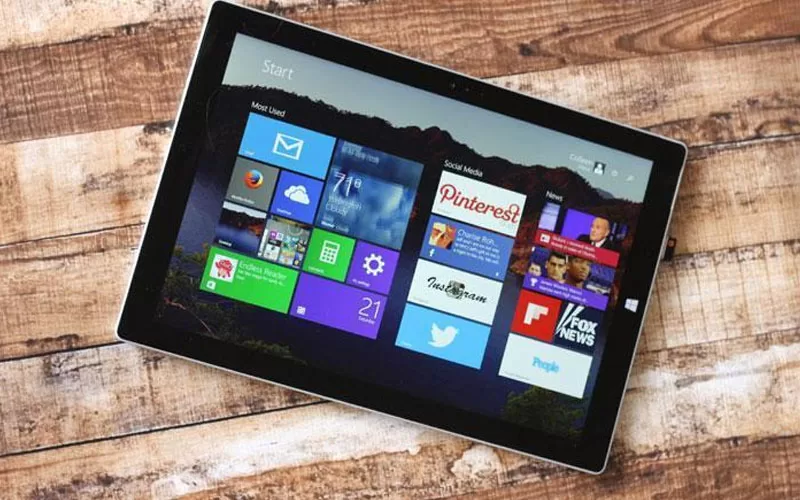
I check my email hourly, I always have to know the weather, and I can’t get through the day without my social media apps such as Pinterest, Facebook, Instagram, and Twitter. I can easily access everything right from the start screen. Very similar to my phone!
The Surface Pro 3 is quick and easy to navigate. I really love Windows 8.1 and wish it was a platform we could get on at work. I also wish all my computers were touch screens. I can’t tell you how many times I find myself touching my screen on another computer after having spent time with my Surface Pro 3.
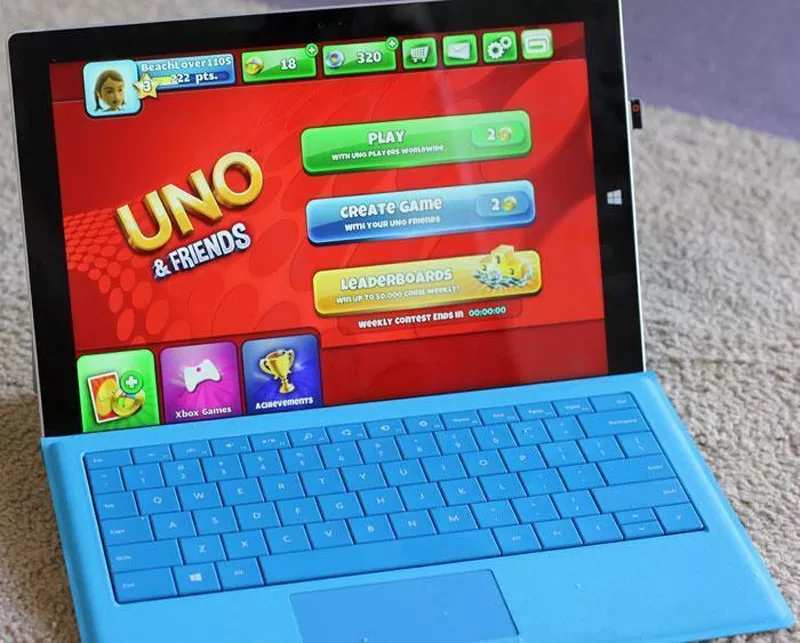
The neat thing about the Surface Pro 3 is that you can sit at your desk and work like you can on any laptop or computer. In fact, I even hooked up my mouse because no matter what you do I just think having a mouse is easier than using any type of mouse pad. However, there are many times when I break out the Surface Pro 3 to just play a few games. All I have to do is flip over the keyboard or detach all together and I have a tablet. I can sit on the sofa and enjoy my games such as Candy Crush, Uno, and Bingo Blitz.
Games on the Surface Pro 3
Surface Pro 3 Features
- 12″ screen
- Up to 9 hours of web browsing battery life
- 4th Generation Intel Core processor
- HD Camera
- Built In-Apps
- Use three apps side by side
- Surface Pen
The Surface Pen is pretty cool. You can use it to navigate the screen if you prefer it over your finger. Also with a touch of the button, you can open One Note.
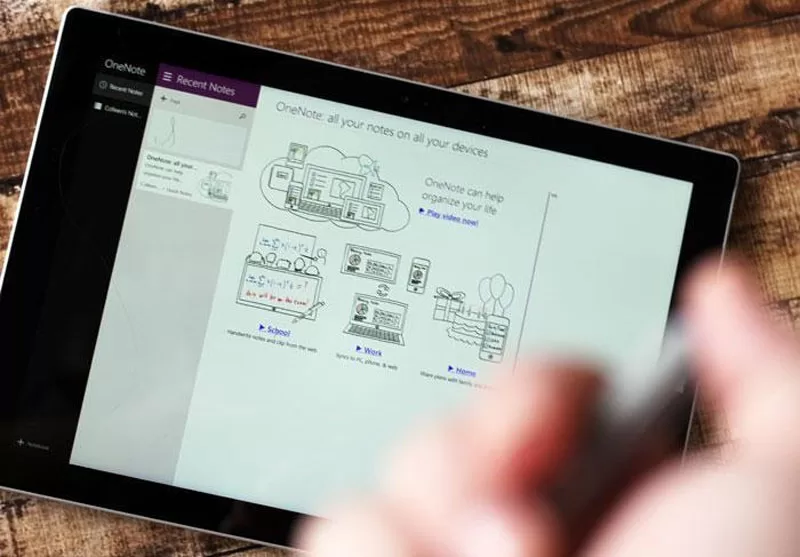
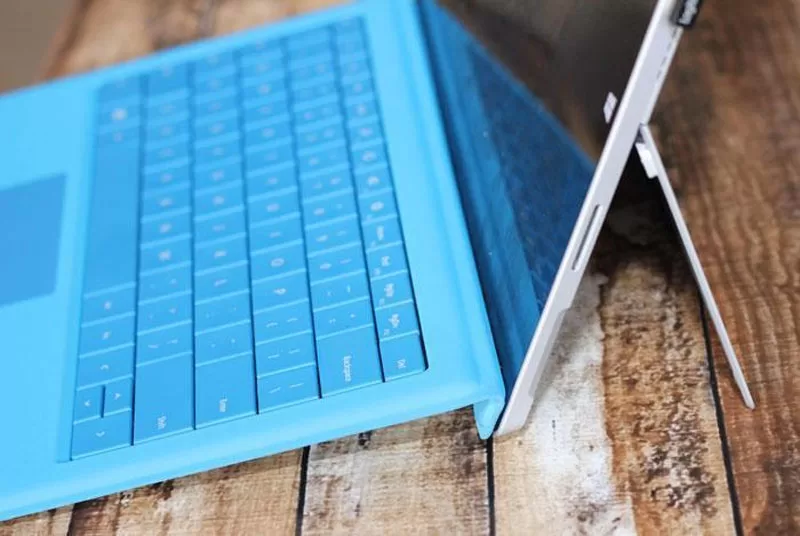
You can write and draw with the Surface Pen just like any other pen, and One Note is sure to help you and your family keep organized. You might be wondering how a tablet can connect to a keyboard and stand right? It is all built right in. In order to turn your tablet into a laptop you simply pull out the stand on the back of the Surface Pro 3 and connect a keyboard (sold separately). The keyboard locks right into place with a very strong magnet so there is no worry about it disconnecting while you are trying to work.
I noticed recently in a meeting at work that I was not the only one impressed I noticed that all the IT guys and a few other employees have converted to it as well. I think the price point and power an advantages to companies that prefer to offer laptops to employees over desk computers but still want the flexibility of a tablet. Maybe you can bring this up in your own office place and soon you will be working on a Surface Pro 3!