
Sphere Robot Review
When I was asked to be a Sphero Ambassador and host a Sphero Robot review I was intrigued. I love testing out new fun gadgets and this one was amazingly fun to test out. Sphero is a new revolutionary tech toy that provides hours of open-ended play with multiple modes of interaction. Kids can use it independently, with friends, or with the whole family. The best part? It can also be used as a seamless tool to introduce kids to STEM and the basics of programming. Your little ones will be having so much fun they won’t even realize they’re learning!
There is so much you can do with this little ball of energy it is almost too much to write in one post. As with most toys or items for children we receive I let my kids break into it on their own and see what they can do. I find that it is a great way to let them stretch their brains and figure things out on their own. Immediately my daughter learned how to control Sphero and had him running through the house at amazing speeds.
Sphero Robot in Action
What is Sphero?
Powered with a new engine, Sphero 2.0 is capable of rolling at speeds of up to 7 feet per second.Sphero is an interactive and engaging robot that brings programming off the computer and into real life. With over ten different programming environments, and apps like MacroLab, kids as young as eight can learn how to program.Create racecourses and drive circles around your friends, turn your living room into a video game with augmented reality apps, and upgrade family game night with multiplayer fun. The possibilities with Sphero are as limitless as your imagination. With over 30 apps now available for Sphero, you’ll never run out of ways to play. Sphero works with iOS, Android, and Windows devices.
I read that the Sphero robot can go anywhere, outside, the beach, even the water so we decided to test out his limits. He had no problems running around outside but for us when we tried to put him in the pool he lost connectivity. So Sphero is landbound for now, though I may test him out in the bathtub to see if it is the water or just the limits of our internet.
Update Sphero in the Pool: We were contacted about our possible issue with losing connectivity when putting Sphero in the pool and have solved the problem. He works GREAT in the pool. However, he does not work in “deep” water. What we were doing was letting him fall off the edge and into the pool which was plunging him about two feet into the water which is what was causing it to disconnect. However, if you set him into the water he will float on top and then you can drive him around the pool.
Sphero Outside
I have to admit even as an adult just spinning Sphero around the room is fun. He is controlled by an app on your phone or tablet. We decided to use the tablet as it is just easier to see the screen.
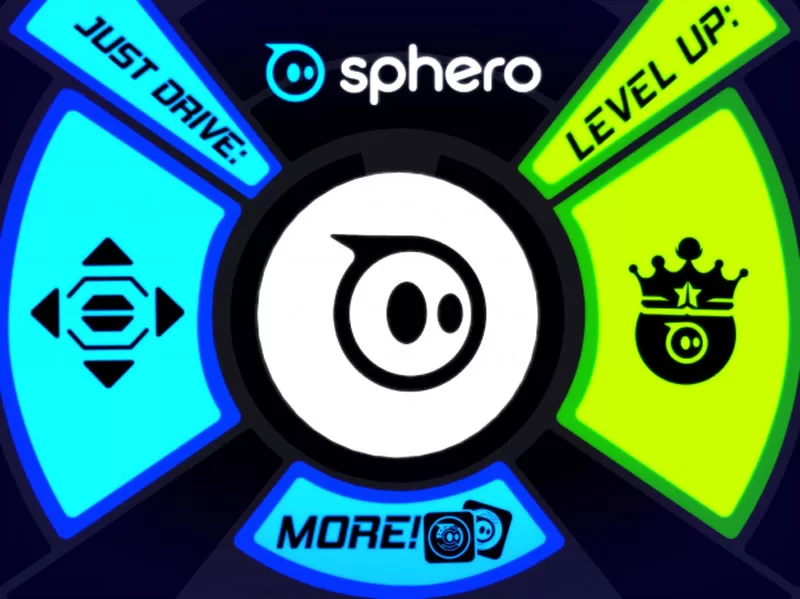
This is the basic Sphero screen in which you decide what you want to do drive, level up, or check out the many apps!
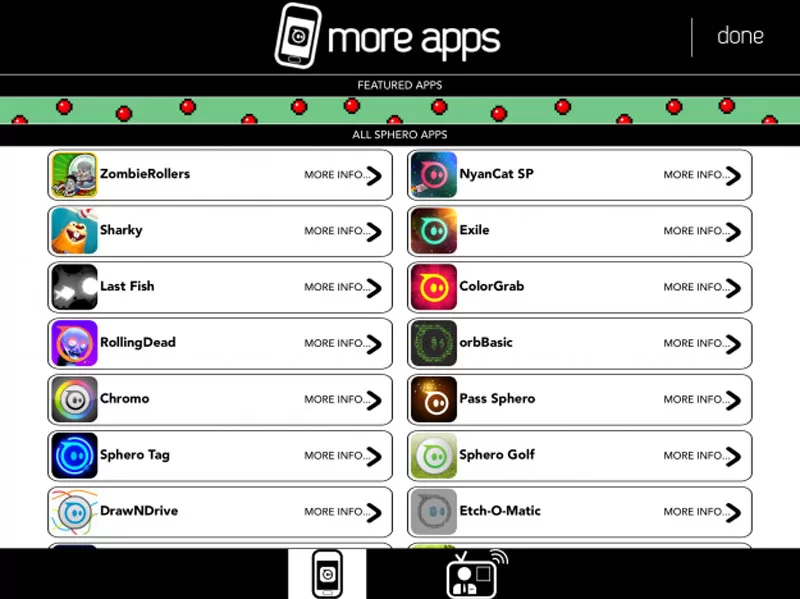
We decided to try out a few apps. My daughter tried Sphero Pet but we didn’t really get this app so we picked one of the featured apps “ColorGrab”. We had a blast playing this game with our Sphero Robot and it is great at testing your reflexes. A spin-off of Simon says you play against each other accumulating points by grabbing Sphero on the designated color when it is your turn. The first person to meet the goal wins!
Color Grab Game
You can decide how many players, how many points, and the level. We tried easy than normal, but after a few rounds of normal, we decided we needed to stick with easy LOL! The great thing is with the number of apps for this toy the kids can be entertained all summer. I have tasked my daughter with going through the apps and finding fun ones for us to play, for her to learn, or for everyone to just enjoy.
Sphero is Educational
Sphero is more than just for entertainment it is an educational toy. Anyone can program Sphero. Beginners can get an introduction to using Sphero MacroLab to create simple, repeatable programs and macros. More advanced students have the chance to dive deeper using orbBasic – a powerful application that takes programming with Sphero to the next level. To see these two programs in action, check out our Sphero Rangers Meetup page. If you’d like to host your own Sphero Ranger Meetup, shoot us an e-mail and we’ll help get you rolling.