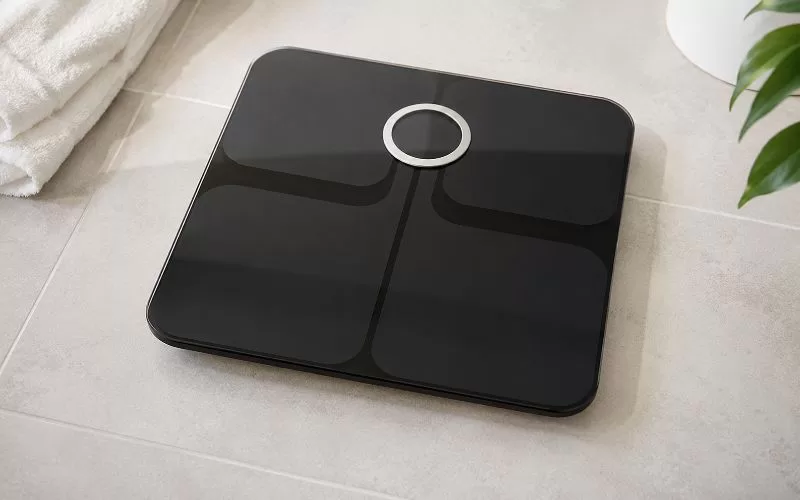
I first wrote this article after trying to reconnect my Fitbit Aria Scale to my home Wi-Fi network and feeling like the entire process was harder than it needed to be. If you have owned the original Fitbit Aria for a while, you may already know the feeling. It is a smart scale, but getting it to connect or reconnect can be anything but simple.
The Fitbit Aria setup process has changed over time, especially as Fitbit has moved deeper into the Google/Fitbit app ecosystem. This guide focuses on what still matters when connecting or reconnecting the original Aria Scale: identifying the correct Fitbit scale, getting it into setup mode, checking your Wi-Fi settings, and knowing when it may be time to move on from an older smart scale.
The Fitbit Aria Scale was designed to make weight tracking easier by syncing data directly to a Fitbit account, but the setup process was one of its biggest frustrations. I covered more of those long-term issues in my Fitbit Aria Scale Review, including the pros, cons, and connection problems. This article focuses specifically on connecting or reconnecting the original Fitbit Aria Scale to Wi-Fi.
First, Make Sure You Have the Right Fitbit Scale
Before you start troubleshooting, make sure you know which Fitbit scale you own. Fitbit released more than one scale, and the setup process is not the same for all of them.
The original Fitbit Aria is the older Wi-Fi smart scale. This is the one that tends to cause the most connection headaches because it depends on your home wireless network and older Wi-Fi compatibility.
The Fitbit Aria 2 and Aria Air are different models with different setup requirements, so this guide is focused specifically on the original Fitbit Aria Scale.
That distinction matters because following the wrong setup process can lead to unnecessary frustration when the real issue is that the instructions do not match the Fitbit scale you own.
Before You Try to Connect the Fitbit Aria Scale
The original Fitbit Aria has very specific Wi-Fi needs. This is where many connection problems begin, especially if you have upgraded your router since you first bought the scale.
Before starting setup, check the following:
- Your scale is close to your router.
- You know your exact Wi-Fi password.
- Your router allows older 802.11b-compatible devices.
- Your network uses a standard home security setting such as WPA or WPA2.
- Your router is not blocking the scale through MAC filtering or strict firewall settings.
- You are not trying to connect through a Wi-Fi extender unless you know it is compatible.
The biggest issue with older smart devices is that modern routers are often set up for newer devices. If your router combines 2.4 GHz and 5 GHz under one network name, the scale may struggle to connect. In that case, a temporary 2.4 GHz guest network or a separate 2.4 GHz network may help.
This was always the part that gave me the most trouble. The scale itself was not difficult to use once connected, but getting the connection to happen could take more patience than expected.
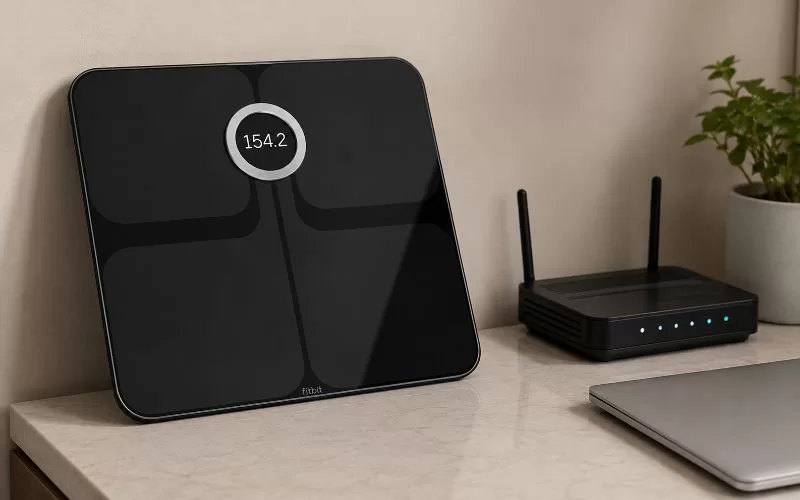
How to Reconnect the Original Fitbit Aria Scale to Wi-Fi
To put the original Fitbit Aria into setup mode, turn the scale over and remove one battery. Wait about 10 seconds, then put the battery back in and place the scale on a hard floor surface.
If the scale does not show SETUP ACTIVE right away, press firmly and briefly on the two corners farthest from the display. This should help trigger setup mode.
Once the scale shows SETUP ACTIVE, continue through the current Google/Fitbit setup prompts available through your account. The exact screens may look different depending on your device and account, but the most important step is getting the original Aria into setup mode and making sure your Wi-Fi network is compatible.
What If the Fitbit Aria Will Not Connect?
If your Fitbit Aria will not connect, do not keep repeating the same steps without checking the basics first. Most issues come back to Wi-Fi compatibility, the password, router settings, or the scale not entering setup mode correctly.
Try these fixes before giving up:
- Move the scale within a few feet of your router.
- Confirm that your Wi-Fi password is typed exactly right.
- Make sure you are using a compatible 2.4 GHz network.
- Clear your browser cache or try a different browser.
- Restart your router.
- Remove the scale batteries for at least 10 seconds and try again.
- Temporarily bypass Wi-Fi extenders or repeaters.
- Check whether your router has a legacy mode or 802.11b compatibility setting.
If the scale shows WIFI ERR or NO SYNC, the issue is usually that the scale cannot communicate properly with your wireless network. That does not always mean the scale is dead. It may simply mean your current router settings are no longer friendly to a device this old.
Should You Keep Using the Fitbit Aria Scale?
If your Fitbit Aria still connects and syncs correctly, it can still be useful. There is no need to replace it just because it is older. That said, I would not spend endless time fighting with it if your router no longer wants to cooperate. Smart scale technology has improved, and newer scales are often much easier to connect and manage through an app.
I eventually switched to a RENPHO smart scale, and for the way I track my weight and body metrics now, it has been a much smoother option. That does not mean the Fitbit Aria was a bad scale. It simply means that older Wi-Fi-based smart devices can become frustrating as home networks change.
A Quick Safety Note
The Fitbit Aria and Aria 2 use bioelectrical impedance analysis to estimate body fat percentage. If you are pregnant or have an implanted medical device such as a pacemaker, review Fitbit’s safety guidance before using one of these scales.
My Updated Take
The original Fitbit Aria was helpful when it worked, but the setup process has not aged as well as the idea behind the product. If you are reconnecting one after changing your router, Wi-Fi password, or internet provider, the most important thing is to make sure your network still supports the older connection requirements.
I would try the setup process carefully once or twice, check the router settings, and move the scale close to the router before deciding it is done. But if you find yourself spending an entire afternoon trying to reconnect an older scale, it may be time to consider whether a newer smart scale is worth the convenience.